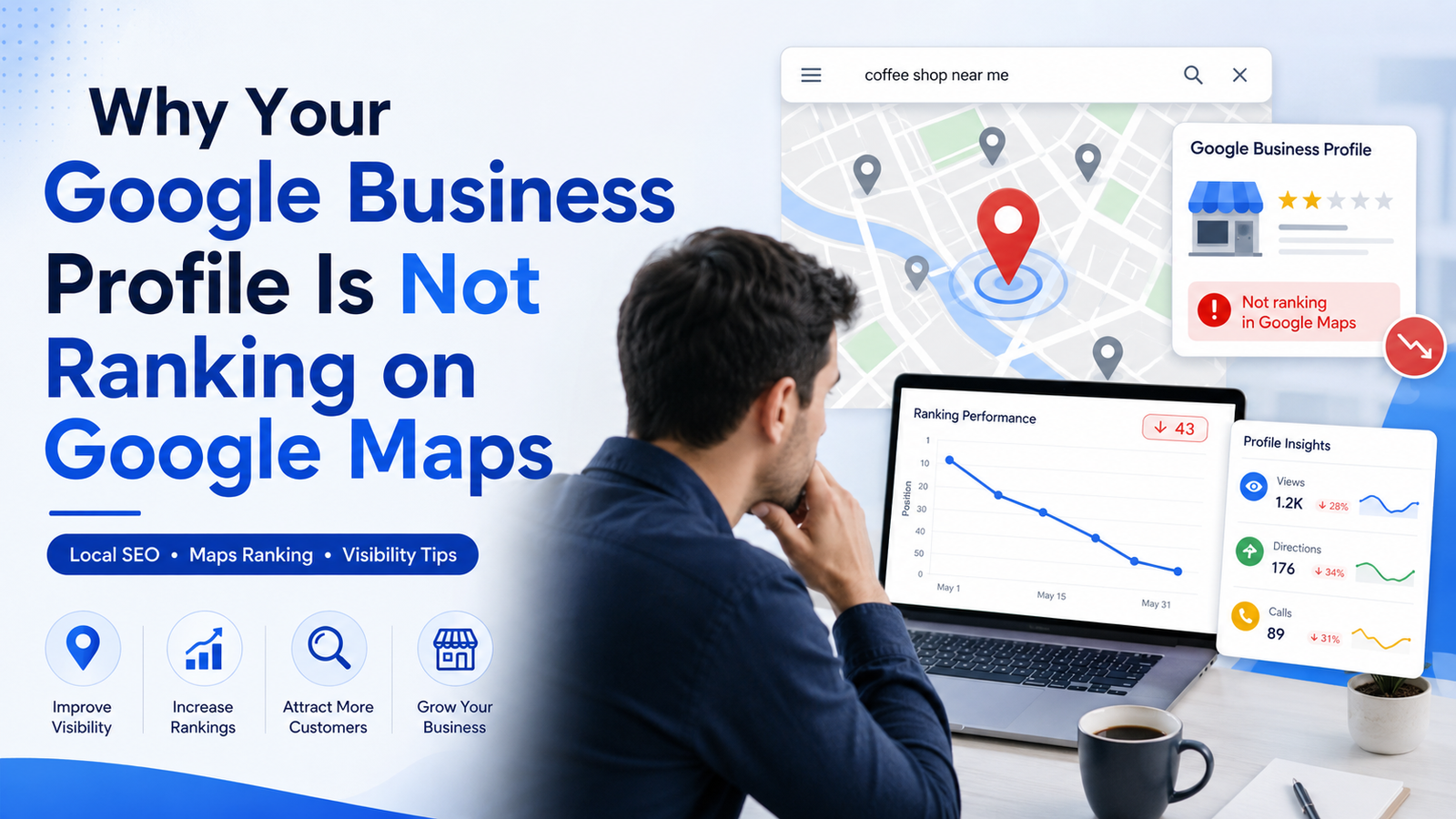
Having a Google Business Profile is one of the most important steps for any local business that wants to attract customers through Google Search and Google Maps.
But simply creating a profile does not guarantee that your business will appear at the top of Google Maps.
You may have added your business name, phone number, address, website and services, yet when you search terms such as “service near me,” “best company near me,” “SEO company in Bhubaneswar,” “website development company in Bhubaneswar,” or other location-based keywords, competitors may appear above your business.
So why is your Google Business Profile not ranking on Google Maps?
There can be several reasons.
Google explains that local results are primarily determined by relevance, distance and prominence. Accurate and complete business information, verification, reviews, photos and other profile information can also help customers find a business through local search.
Understanding these factors and implementing the right Local SEO strategy can significantly improve your chances of gaining better visibility.
Here are 15 common reasons your Google Business Profile may not be ranking—and what you can do about them.
1. Your Google Business Profile Is Incomplete
One of the most common Google Maps SEO mistakes is leaving important sections of your profile incomplete.
Google needs enough information to understand:
- What your business does
- Where your business operates
- Which products or services you provide
- When customers can contact or visit you
Your Google Business Profile should include accurate:
- Business name
- Business address
- Phone number
- Website
- Business category
- Services
- Working hours
- Business description
- Photos and videos
- Service areas, where applicable
- Relevant business attributes
The more accurate and complete your information is, the easier it becomes for Google to understand when your business is relevant to a local search.
How to Fix It
Open your Google Business Profile and review every available section.
Do not add unnecessary keywords or misleading information simply to influence rankings. Your profile should accurately represent your real-world business.
2. You Have Selected the Wrong Primary Business Category
Your primary business category is extremely important for Google Business Profile optimization.
For example, if you operate a web development company but select an unrelated or overly broad category, Google may have difficulty understanding which searches your business should appear for.
Your primary category should represent the main service your business provides.
Secondary categories can then be used for other relevant services.
Example
A technology or digital agency may provide:
- Website Development
- SEO Services
- Social Media Marketing
- Google Ads
- Mobile App Development
- E-Commerce Development
- Custom Software Solutions
However, the primary category should represent the company's main business activity rather than trying to use every possible category.
How to Fix It
Review your competitors appearing in legitimate local searches and evaluate which available Google category most accurately describes your own primary business.
Avoid choosing categories simply because they contain attractive keywords.
3. Your Business Information Is Inconsistent Online
Google needs confidence that your business information is correct.
If your company name, address or phone number is different across your:
- Website
- Google Business Profile
- Facebook page
- Instagram profile
- Business directories
- Local listings
- Industry directories
it can create confusion for both search engines and customers.
This is commonly referred to in Local SEO as NAP consistency:
N – Name
A – Address
P – Phone Number
How to Fix It
Use the same core business details across your important online profiles.
For example:
Techzex Software Pvt. Ltd.
Bhubaneswar, Odisha
Official business phone number
Official website
Consistency builds a stronger and clearer business identity across the web.
4. Your Google Business Profile Is Not Properly Verified
Verification helps Google confirm that a Business Profile represents a legitimate business.
A profile that has not completed Google's required verification process may have limitations in how it appears or can be managed.
Google also notes that performance information is available for verified Business Profiles.
How to Fix It
Check whether your profile is fully verified.
Depending on the business and Google's requirements, verification methods may vary.
Make sure:
- Your business information is genuine
- Your address is accurate
- Your business signage and location information are legitimate when required
- You follow Google Business Profile guidelines
Never create fake addresses or virtual locations purely for Google Maps rankings.
5. Your Business Is Too Far From the Searcher
This is one factor that businesses cannot completely control.
Google considers distance when generating local results.
Suppose your business is located in Bhubaneswar and someone searches for a service from a different area of the city. A relevant competitor located much closer to that searcher may sometimes appear above you.
This is why Google Maps rankings can look different depending on the location from which someone performs the search.
How to Fix It
You cannot manipulate physical distance, but you can strengthen the other factors you can control:
- Optimize your profile
- Improve your website's Local SEO
- Build stronger location pages
- Earn genuine reviews
- Create locally relevant content
- Strengthen your overall online presence
6. You Don't Have Enough Genuine Customer Reviews
Reviews are an important part of a successful Google Business Profile.
They can influence customer trust and provide Google with additional information about people's experiences with your business.
Google's guidance recommends responding to reviews, and its review system displays both review scores and total review counts on Search and Maps.
Imagine two businesses appearing on Google Maps:
Business A: 4 reviews
Business B: 150 genuine reviews with regular customer feedback
Many customers will naturally want to investigate Business B first.
How to Fix It
After successfully serving a customer, politely ask for an honest Google review.
You can provide customers with:
- A Google review link
- QR code
- WhatsApp review request
- Email review request
- Post-purchase follow-up message
Never purchase fake reviews.
Focus on creating a consistent process for collecting genuine customer feedback.
7. You Are Not Responding to Customer Reviews
Getting reviews is only part of Google Business Profile management.
Businesses should also communicate with customers.
Respond professionally to:
- Positive reviews
- Negative reviews
- Questions
- Complaints
- Suggestions
Google specifically recommends responding to reviews as part of improving a Business Profile's local presence.
Example Response
“Thank you for choosing our services. We appreciate your feedback and are glad you had a positive experience with our team.”
Responses should sound natural instead of copying the exact same template for every customer.
8. Your Business Description Is Poorly Optimized
Your business description should clearly explain what your company does.
A weak description such as:
“We provide the best services. Contact us today.”
does not give users much useful information.
Instead, describe:
- Your business
- Main services
- Target customers
- Location
- Unique strengths
Example
“Techzex Software Pvt. Ltd. is a technology and digital solutions company in Bhubaneswar providing Website Development, SEO Services, Social Media Marketing, business software and digital growth solutions for businesses.”
This naturally communicates important business information without unnecessary keyword stuffing.
9. Your Website Is Not Optimized for Local SEO
A common mistake is focusing entirely on the Google Business Profile while ignoring the business website.
Your website and Google Business Profile should support each other.
Techzex's own SEO services include areas such as keyword research, website audits, technical SEO, Local SEO, content optimization and performance reporting.
A professional business website should clearly include:
- Business name
- Phone number
- Address
- Services
- Location information
- Contact page
- Service pages
- Local landing pages
- Mobile-friendly design
- Fast loading speed
- SEO-friendly page titles
- Meta descriptions
- Structured content
- Internal links
Example Local Keywords
Instead of targeting only:
“Website Development”
a local company may also target phrases such as:
- Website Development Company in Bhubaneswar
- Website Design Company in Bhubaneswar
- SEO Company in Bhubaneswar
- Digital Marketing Company in Bhubaneswar
- Local SEO Services in Bhubaneswar
- Software Company in Bhubaneswar
Your website provides Google with additional context about your services, location and authority.
10. You Don't Have Location-Specific Website Content
If your business targets customers in a particular city, your website should contain useful content relevant to that location.
For example, a Bhubaneswar company could create genuinely useful pages or articles around topics such as:
- Website Development Company in Bhubaneswar
- SEO Services in Bhubaneswar
- Digital Marketing Services in Bhubaneswar
- Local SEO for Businesses in Bhubaneswar
- Google Business Profile Optimization in Bhubaneswar
- E-Commerce Website Development in Bhubaneswar
However, do not create hundreds of almost identical city pages with only the location name changed.
Each location page should provide unique information for customers in that market.
How Techzex Uses This Strategy
Techzex currently combines professional websites, Local SEO, Google Business Profile support, social media and lead-generation solutions for local businesses.
That type of connected digital strategy can be stronger than treating Google Maps optimization as an isolated activity.
11. Your Website Has Technical SEO Problems
Even good content can struggle if the website has serious technical problems.
Common technical SEO issues include:
- Slow page loading
- Poor mobile experience
- Broken links
- Incorrect canonical tags
- Pages blocked by robots.txt
- Important pages set to noindex
- Duplicate content
- Missing page titles
- Weak internal linking
- Poor website architecture
- HTTPS/security problems
- Crawlability issues
How to Fix It
Perform a professional SEO website audit.
Check:
- Google Search Console
- Page indexing
- Sitemap
- robots.txt
- Core technical issues
- Mobile usability
- Page speed
- Internal linking
- Structured data
- On-page SEO
Website Optimization and Local SEO should work together.
12. Your Business Has Weak Online Prominence
Google identifies prominence as one of its main local ranking considerations.
In simple terms, Google considers how established and well-known a business appears.
A business that has:
- A professional website
- Useful content
- Customer reviews
- Relevant mentions
- Strong business listings
- Consistent information
- Local visibility
may provide stronger signals than a business with almost no presence outside its Google Business Profile.
How to Improve Your Online Presence
Develop a complete digital marketing strategy using:
- SEO Services
- Local SEO
- Content Marketing
- Website Development
- Social Media Marketing
- Google Business Profile optimization
- Google Ads
- Meta Ads
- Online reputation management
The objective is to build a genuine and consistent digital presence.
13. Your Business Has Very Few Photos and Videos
Photos help customers understand your business before contacting or visiting you.
Google recommends adding photos and videos to your Business Profile as part of maintaining your local presence.
Depending on your industry, upload genuine images of:
- Office or storefront
- Team members
- Products
- Completed projects
- Services
- Work environment
- Customer-facing areas
- Events
- Business branding
Important Tip
Use real, high-quality business photos wherever possible.
Do not rely entirely on stock photographs that do not represent your actual company.
14. Your Competitors Have Stronger Local SEO
Sometimes your profile is not necessarily badly optimized.
Your competitors may simply have a stronger online presence.
They may have:
- More established websites
- Better service pages
- More genuine reviews
- Better local content
- Stronger brand awareness
- More relevant online mentions
- Better Local SEO
- More complete Business Profiles
This is why checking only your own profile isn't enough.
Conduct a Local Competitor Analysis
Search your target keywords and analyze the businesses appearing prominently.
Compare:
- Primary category
- Reviews
- Rating
- Services
- Website quality
- Business information
- Photos
- Location pages
- Content
- Local SEO
- Overall online presence
Then build a strategy to close the gaps.
15. You Are Expecting Google Maps Rankings Too Quickly
SEO is not an instant process.
If you created or significantly updated your Google Business Profile yesterday, you should not expect immediate top rankings for every competitive search.
Google notes that rankings for new businesses can take time to appear in search results.
Local search visibility can change because of:
- Competition
- Searcher's location
- Search query
- Business relevance
- Profile changes
- Reviews
- Website authority
- Google's algorithms
Focus on continuous improvement rather than repeatedly making unnecessary changes to your profile.
How to Improve Your Google Maps Ranking
If your Google Business Profile is not ranking, use this practical Google Maps SEO checklist.
Step 1: Verify Your Google Business Profile
Make sure the profile is verified and follows Google's guidelines.
Step 2: Complete All Business Information
Add accurate business details, categories, services, working hours, website and relevant attributes.
Step 3: Optimize Your Business Category
Select the most accurate primary and secondary categories.
Step 4: Improve Your Business Description
Clearly explain your services, location and business offering.
Step 5: Add Services
List the actual services your company offers.
Step 6: Upload Genuine Photos
Regularly maintain useful and accurate business images.
Step 7: Generate Genuine Customer Reviews
Build a consistent system for requesting honest feedback.
Step 8: Respond to Reviews
Engage professionally with both positive and negative customer feedback.
Step 9: Optimize Your Website
Improve technical SEO, speed, mobile usability and content quality.
Step 10: Implement Local SEO
Create useful location-specific content and strengthen your local business information.
Step 11: Maintain Consistent Business Information
Keep your company name, address and phone information consistent across important platforms.
Step 12: Monitor Performance
Google Business Profile Performance can show information such as searches, profile views, calls, website clicks, directions and other applicable customer interactions.
Use this data to understand how customers are finding and interacting with your business.
Google Business Profile + Website + Local SEO = Stronger Local Visibility
Google Maps optimization should not be treated as a standalone marketing activity.
For sustainable digital growth, businesses should combine:
Google Business Profile + Local SEO + Website Development + SEO Services + Social Media Marketing + Content + Lead Generation
For example, a potential customer may first discover your business through Google Maps, then:
- Read your reviews
- Visit your website
- Check your services
- View your social media
- Click your WhatsApp or enquiry button
- Contact your business
This means every part of your digital presence contributes to the customer's decision.
Techzex's current local-business offering follows this broader approach by combining professional websites, Local SEO, Google Business Profile, social media, WhatsApp lead capture and paid advertising options.
Why Local SEO Is Important for Businesses in Bhubaneswar
Customers searching for local products and services often use location-based queries such as:
- “near me”
- “in Bhubaneswar”
- “in Odisha”
- “best company near me”
- “service provider in Bhubaneswar”
For a business operating in Bhubaneswar, Local SEO can help connect its services with people actively searching within its target market.
A complete strategy may involve:
- Google Business Profile optimization
- Website SEO audit
- Keyword research
- On-page SEO
- Technical SEO
- Local SEO
- Location page optimization
- Content Marketing
- Customer review strategy
- Website Optimization
- Social Media Marketing
- Lead Generation
- Google Ads
- Meta Ads
Instead of depending on only one marketing channel, businesses can build a stronger digital ecosystem.
Google Maps SEO vs Google Ads: What's the Difference?
Google Maps SEO focuses primarily on improving organic local visibility.
Google Ads, on the other hand, allows businesses to pay for advertising visibility based on campaign targeting, eligibility and ad settings.
Both can serve different purposes.
Local SEO
Best suited for:
- Long-term organic visibility
- Local search presence
- Building business authority
- Attracting ongoing organic enquiries
Google Ads
Best suited for:
- Immediate paid traffic
- Promotions
- Lead-generation campaigns
- Highly targeted customer acquisition
Many businesses can benefit from combining both instead of depending entirely on one.
Techzex also provides Google Ads and Meta Ads alongside SEO, website and social-media services as part of its digital growth offering.
How Techzex Software Can Help Improve Your Local Online Visibility
Managing a Google Business Profile is only one part of building a strong online presence.
Techzex Software Pvt. Ltd. helps businesses create an integrated digital strategy covering websites, marketing and business technology. Its current website highlights services including Website Development, Social Media Handling, SEO Services, Google Ads, Meta Ads and business software solutions.
For businesses that want to improve their local online visibility, a strategy may include:
Google Business Profile Optimization
Improve profile information, services, business categories and overall presentation.
Local SEO Services
Target relevant local and location-specific searches.
SEO Website Audit
Identify technical and on-page issues affecting organic visibility.
Keyword Research
Identify how potential customers search for your products and services.
Website Development
Build a professional, mobile-friendly and SEO-structured business website.
Website Optimization
Improve website performance, user experience and search visibility.
Content Marketing
Develop useful service pages, local landing pages and SEO-friendly blog content.
Social Media Marketing
Maintain an active presence across relevant social platforms.
Google Ads & Meta Ads
Run targeted paid campaigns for lead generation when appropriate.
Lead Generation
Turn website, Google and social-media visibility into measurable customer enquiries.
Final Thoughts
If your Google Business Profile is not ranking on Google Maps, don't assume there is one single problem.
Poor visibility may result from several factors working together, including incomplete profile information, incorrect categories, weak reviews, distance, poor website SEO, limited local relevance or stronger competition.
Google's own local-search guidance emphasizes relevance, distance and prominence, while recommending complete business information, verification, review engagement and photos as ways businesses can improve their local presence.
The best approach is therefore not to search for a shortcut.
Build a complete digital foundation:
Optimize your Google Business Profile.
Improve your website.
Invest in Local SEO.
Create useful content.
Build genuine customer reviews.
Maintain consistent business information.
Track performance and keep improving.
If you need professional support with SEO Services, Local SEO, Google Business Profile optimization, Website Development, Social Media Marketing, Google Ads, Meta Ads or lead generation, Techzex Software Pvt. Ltd. can help you develop a complete digital growth strategy.
Build Your Website. Grow Your Brand. Automate Your Business.
Frequently Asked Questions
1. Why is my Google Business Profile not showing on Google Maps?
Your profile may not appear because it is new, incomplete, not properly verified, less relevant to the search query, too far from the searcher, or competing with businesses that currently have stronger local visibility.
2. How can I improve my Google Business Profile ranking?
Complete your business information, select accurate categories, collect genuine customer reviews, respond to reviews, add quality photos, optimize your website and implement a proper Local SEO strategy.
3. What are the main Google Maps ranking factors?
Google states that local search results are mainly based on relevance, distance and prominence.
4. Do Google reviews help local businesses?
Reviews help potential customers evaluate businesses, and Google recommends engaging with reviews as part of maintaining a strong local presence. Google Maps and Search also display review ratings and review counts.
5. Does my website affect my local SEO?
Your website is an important part of your overall Local SEO strategy. Relevant service pages, location information, technical SEO, quality content and consistent business information can strengthen your overall online presence.
6. Should I add keywords to my Google Business Profile name?
Your Business Profile name should represent your real-world business name. Google's guidelines require businesses to represent themselves accurately rather than adding unnecessary information to the business name purely for ranking purposes.
7. What is Google Maps SEO?
Google Maps SEO is the process of improving a business's local online presence so it has a better chance of appearing for relevant searches on Google Maps and local Google Search results.
8. What is Local SEO?
Local SEO focuses on helping a business become more visible to customers searching for products or services in a specific geographic area.
9. Can Local SEO help businesses in Bhubaneswar?
Yes. Businesses targeting Bhubaneswar customers can optimize their websites and Google Business Profiles around genuine location-specific information and relevant local searches.
10. Which company provides Local SEO services in Bhubaneswar?
Techzex Software Pvt. Ltd. currently offers SEO support that includes Local SEO, website audits, keyword research, on-page SEO, technical SEO, content optimization and performance reporting.